On your phone, your iPhone and your wrist
GymOrbita already runs in any phone's browser, Android or iPhone. And it's coming as a native iPhone and Apple Watch app, with your workouts in sync on all of them.
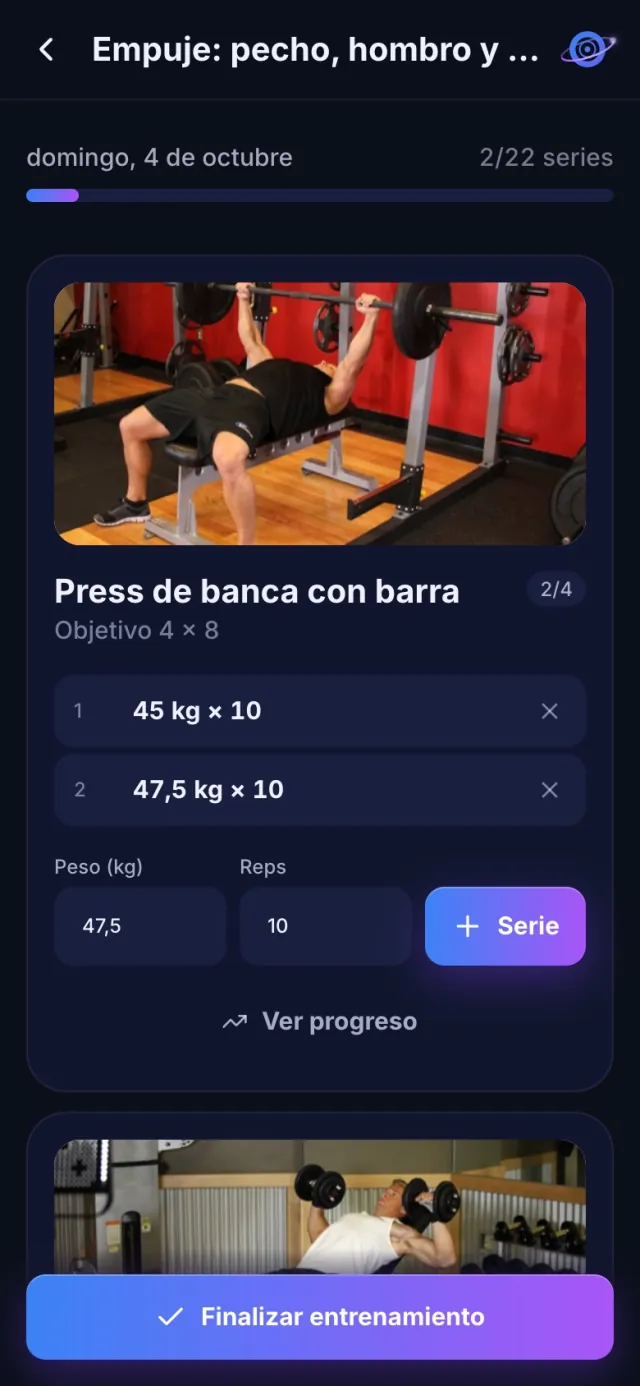
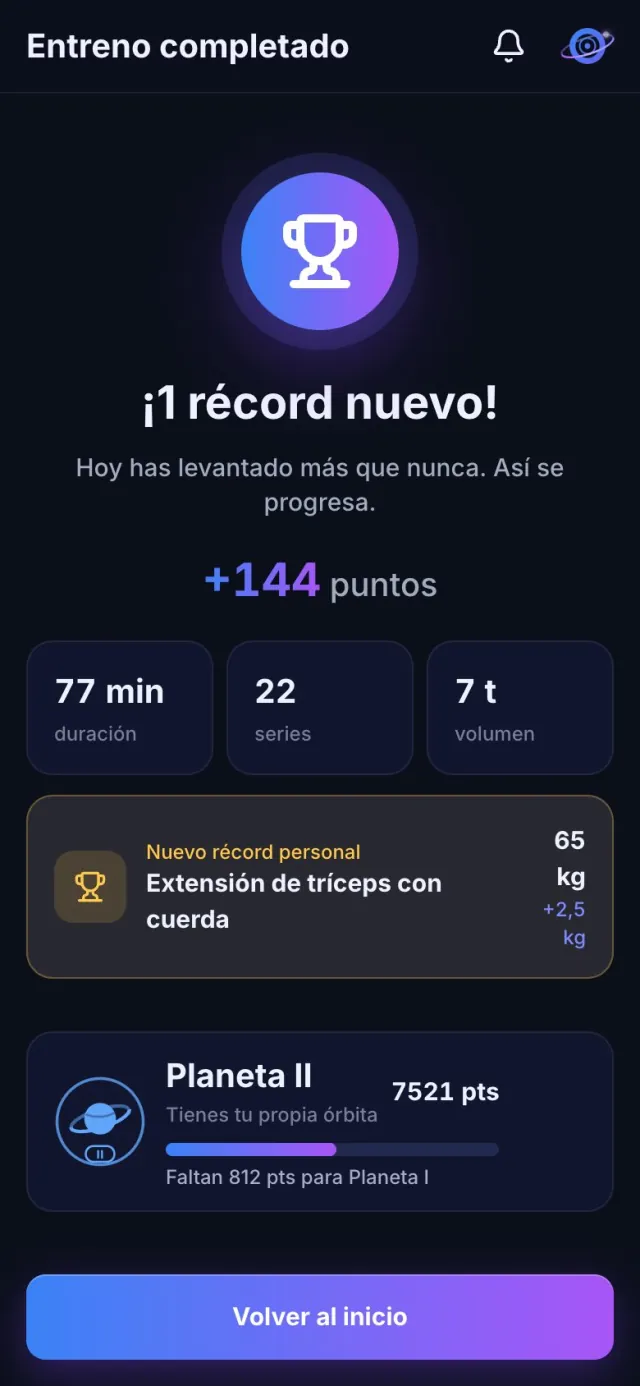
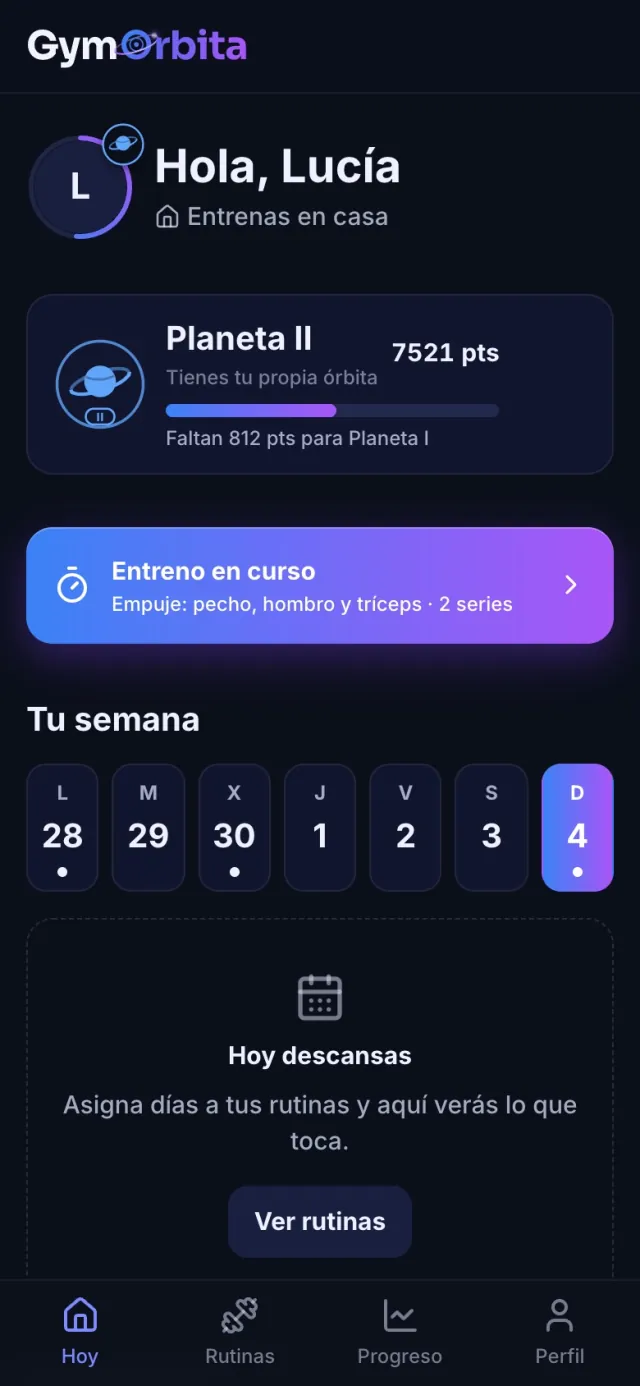
Apple Watch
Start your workout and follow it from your wrist: see the next exercise and which set you're on, log each set with the suggested weight and reps and switch machines without taking your phone out of your pocket. What you log on the watch shows up instantly on the iPhone, and vice versa.
Heart rate and calories
While you train, your watch measures your heart rate and calories. When you finish you see them in your summary: average heart rate, max heart rate and calories.
Apple Health
Every workout is saved to Health as «Traditional Strength Training» and counts towards your activity rings.
A truly native app
The iPhone app is built in SwiftUI: fast, with a rest timer that alerts you with your phone locked, and system passkeys to log in with Face ID.
Log in without a password
With a passkey (Face ID, fingerprint or your phone's PIN), with Google or with your email. No passwords to remember.
On any phone
Until it's on the App Store, open gymorbita.com/app in your browser and add it to your home screen: it works like an app, on Android and iPhone.
FAQ
When is the app coming to the App Store?
It's in testing. Meanwhile you can use GymOrbita in your phone's browser, with every feature except the watch and Health ones.
Do I need an Apple Watch?
No. The watch adds heart rate, calories and logging from your wrist, but everything else works with just your phone.
Is there an Android app?
For now, GymOrbita runs in Android's browser and you can add it to your home screen.
More features
Ask it anything about your training. GymOrbita's assistant knows the exercise catalogue, your routines and your goal, and suggests routines ready to use.
Read more →Your gym's classesYoga, spinning, running meetups… If your gym is on GymOrbita, you see what's on each day, book with one tap and know how many spots are left.
Read more →Routines with your machinesStart with a ready-made routine, use your coach's, install one from the community or build your own in a minute. GymOrbita turns it into your weekly plan: every day, «Today» shows what's next.
Read more →Try it on your next workout
Create your account in a minute, pick a routine and log your first set. Free.